Instagram Tips & Tricks
Discover Instagram tips and tricks, latest updates, and more.
How to Check Who Unfollowed You on Instagram: What You Can and Cannot Know
Instagram does not send unfollow notifications. Here are three ways to check — in the app, with a data export, and by comparing exports from two dates — and the limits of each.
How to Download Your Instagram Followers and Following Data (Step by Step)
Use Accounts Center's Export your information tool to download only your followers and following lists. Covers date range, format, preparation time, the download window, and what to watch out for.
Inside the Instagram Export ZIP: Where Is followers_1.json?
What the folders and files in an Instagram 'Followers and following' export mean, how to find followers_1.json and following.json, and which files are easy to misread.
Instagram Data Export Not Working? Fixes for Missing Notices and Broken ZIPs
What to check when your Instagram export never arrives, the downloaded ZIP will not open, or an analyzer says it cannot find your followers file — organized by the step where you got stuck.
Instagram Followers and Unfollowers: 12 Frequently Asked Questions
Does unfollowing notify the other person? Can you see who viewed your profile? Does it work for private accounts? How often should you check? Answers to the follower-check questions we hear most.
Reading Your Follower Check Results: Why the Numbers Differ from the App
What 'not following back', 'fans', and 'mutual' mean in a followers/following comparison, how they are calculated, and the common reasons the totals differ from the numbers in the Instagram app.
Instagram Export: JSON vs HTML — Which Format Should You Choose?
The difference between the JSON and HTML formats offered in Instagram's data export, what each file contains, and why JSON is recommended for comparing followers.
Instagram Unfollower Apps: 5 Ways to Tell If One Is Safe
Why unfollower apps that ask for your password are risky, five criteria for choosing a safer tool, and what to do if you already entered your login: change your password, review logins, turn on two-factor authentication.
How to Reset Instagram Explore Algorithm
Instagram’s recommendation reset applies to Explore, Reels and Feed. It restarts suggested content; it does not reset your account or promise a particular result.
Instagram Followers: What to Check Before Follow-Back
Review TikTok and KakaoTalk follow-back examples, their limits, and the difference between comparing follower lists and growing an audience.
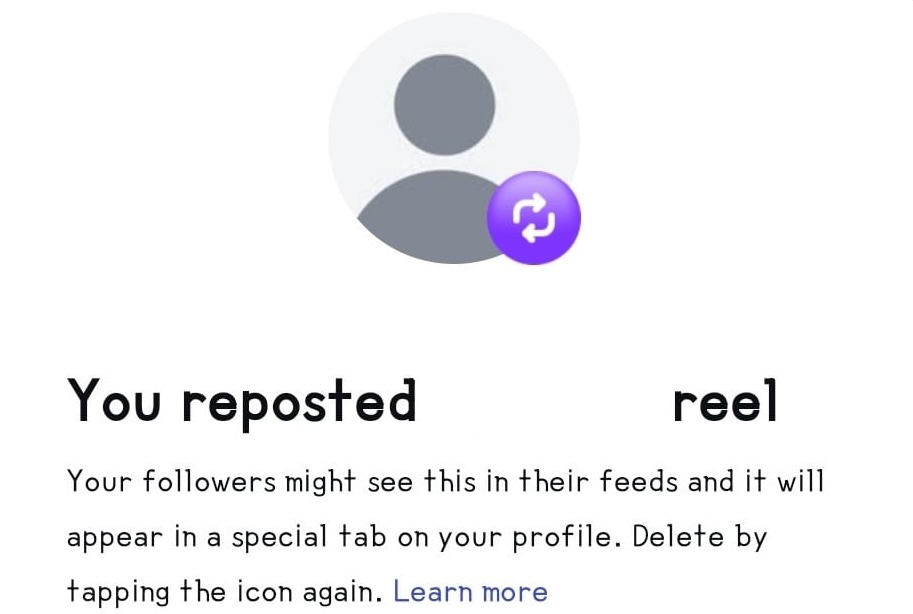
How to Delete Instagram Reposts | Clean Up Your Instagram Feed
Deleting Instagram reposts is easy. Check out two methods: direct deletion from the feed or batch deletion from settings.