Instagram Followers: What to Check Before Follow-Back
Last reviewed:
Reviewed by / developer: TrackFollows
"Follow-back" means two accounts follow each other. It is the first idea most people have for growing a follower count quickly, but followers gained this way rarely translate into interest in your posts. This guide covers what to check before you trade follows, what follow-for-follow recruiting looks like on TikTok and KakaoTalk, and how to tidy up the relationships afterwards. It does not promise follower growth.
What follow-back does to your numbers
A follow-back adds one to each account's follower count. Everything beyond that depends on whether the other person actually sees your posts. Instagram does not show every post from every account you follow; it favors accounts you interact with. If a follow-back partner never reacts to your content, you drift out of each other's feeds, and one side quietly unfollowing later is common.
| Followers from follow-back | Followers from content | |
|---|---|---|
| Speed | Fast | Slow |
| Engagement | Usually low | Comparatively high |
| Retention | Drops as soon as the other side unfollows | Stays while interest lasts |
| Effect on recommendations | None without engagement | Engagement helps distribution |
Follow-for-follow on TikTok
① Profile introduction posts
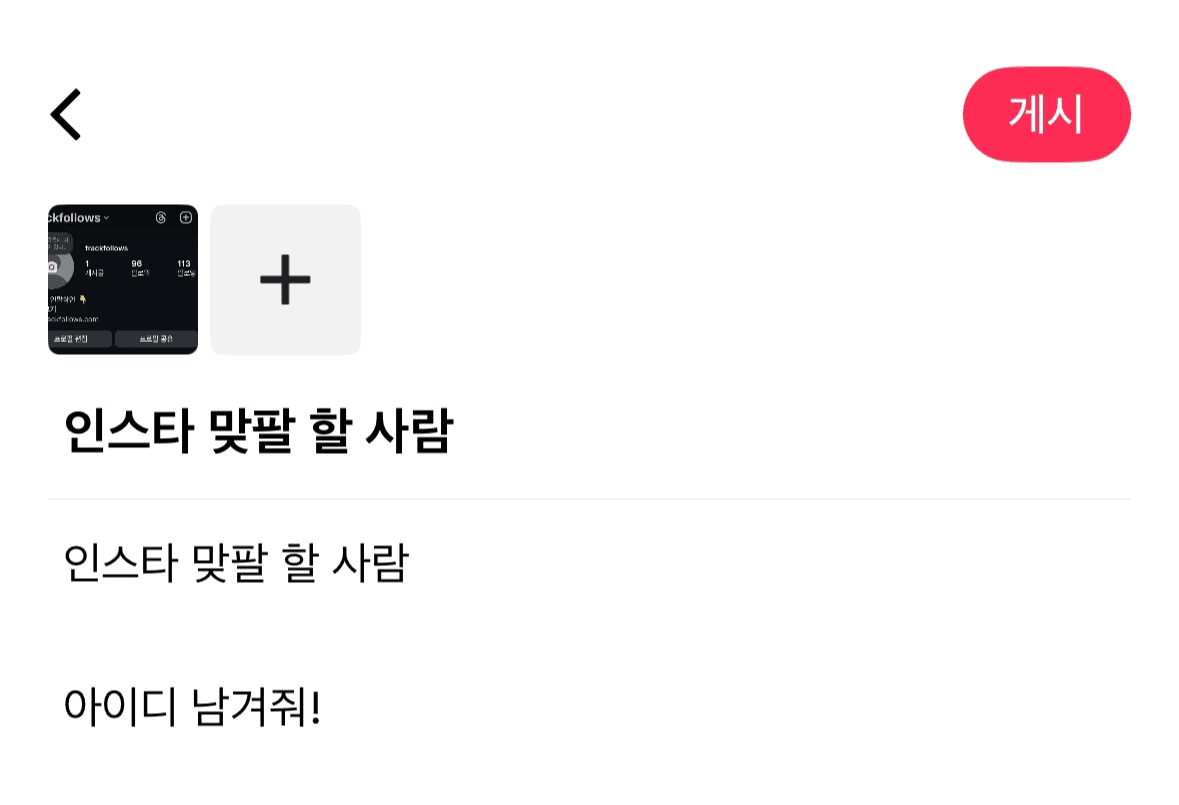
TikTok is full of posts that share an Instagram handle and ask for follow-backs. The screenshot below is an example of such a recruiting post, not evidence that it works. If you introduce your profile, say what kind of posts the account publishes, and avoid making follow-back a condition or repeating the same request.
② Handles left in comments
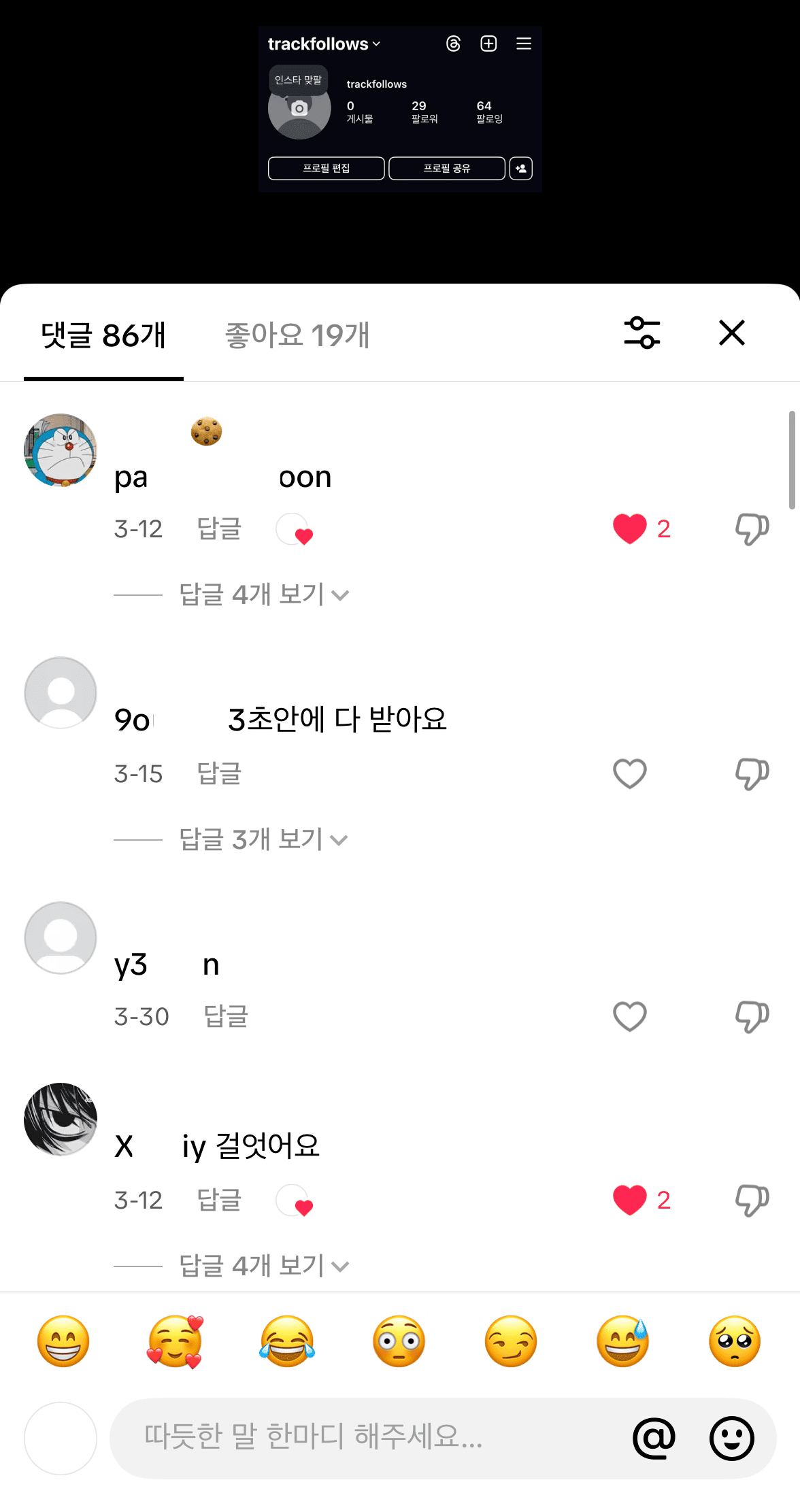
A handle in a comment is not an invitation to message someone. Look at the account first and follow only if you actually want to see its content. Nobody is obliged to follow back.
Follow-for-follow in KakaoTalk open chats
① Read the room rules
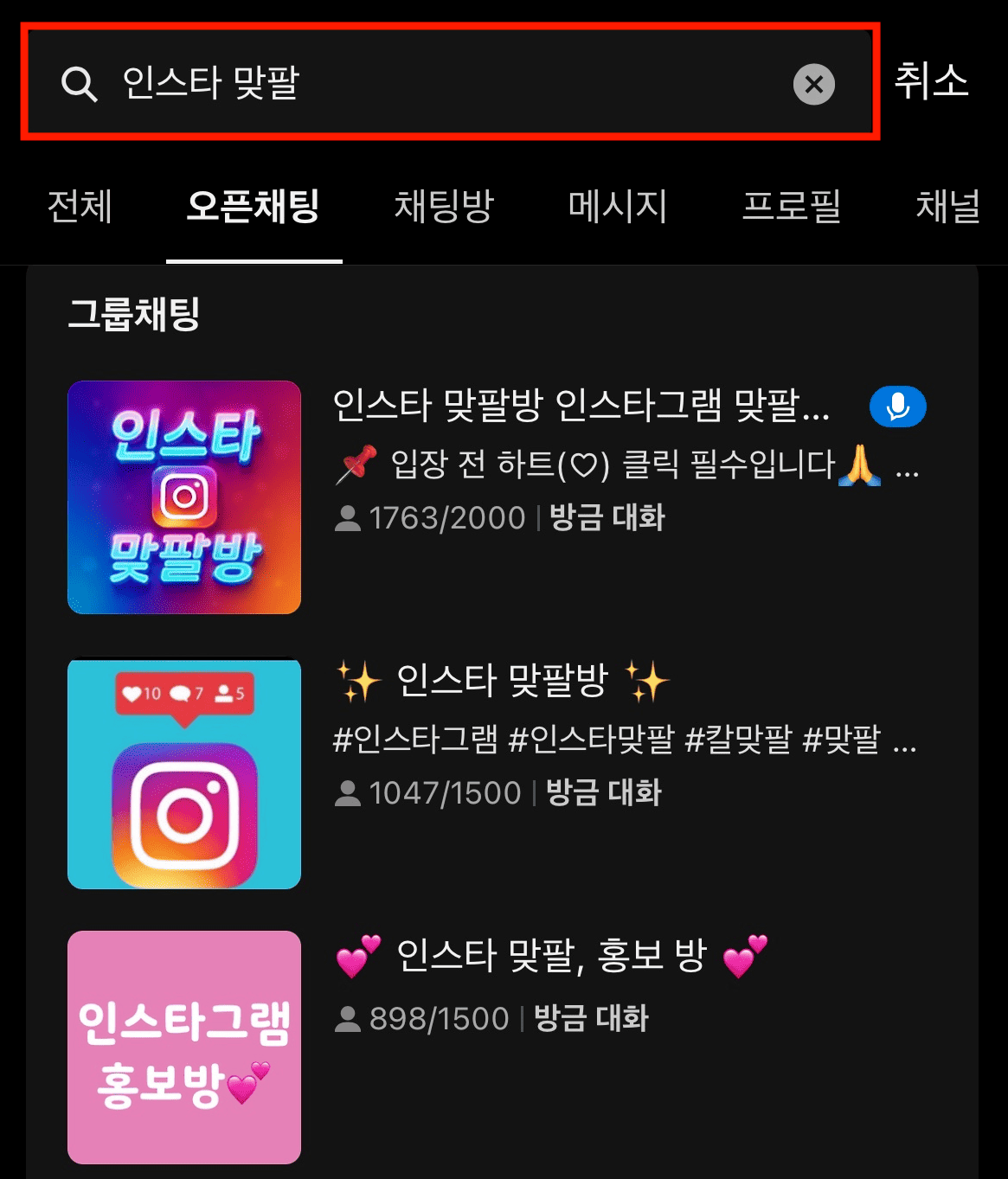
Searching open chats for "맞팔" (follow-back) turns up several recruiting rooms. Read the rules and topic before joining, and leave any room that demands bulk follows or asks for login details.
② Decide what you share
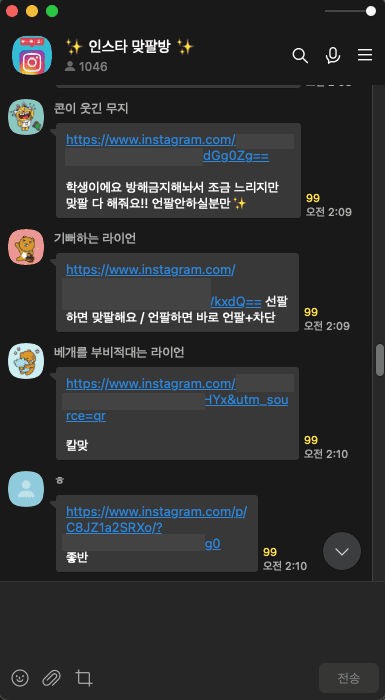
Post only what you are comfortable showing to everyone in the room. Sharing your handle does not mean you must follow everyone, and others may decline or unfollow later.
What to avoid
- Buying followers: purchased accounts rarely engage and often disappear or get removed. Meta has published enforcement actions against services that sell fake engagement. Meta: taking action against fake engagement
- Apps that ask for your password: automated follow and unfollow tools take your login and can lead to account restrictions or takeover. How to tell a safe tool from a risky one is in Instagram Unfollower Apps: 5 Ways to Tell If One Is Safe.
- Mass following and unfollowing in a short time: Instagram limits how many accounts you can follow per day and may treat repetitive behavior as spam.
Cleaning up one-sided follows
If many of your followers came from follow-back, it is worth checking who no longer follows you. In the app you would have to open the following list one profile at a time. Instead, export your follower and following lists from Accounts Center with Export your information and compare the two lists at once.
- Follow the data download guide and export followers and following as JSON.
- Select the ZIP in TrackFollows. The files are compared in your browser and are not uploaded for analysis.
- Open each profile in the "not following you back" list and decide for yourself whether to keep following.
The comparison shows the relationships at the moment of the export only. A single export cannot tell you who unfollowed or when, or why they left, and the tool does not unfollow for you or add followers. Why the numbers can differ from what the app shows is explained in Reading Your Follower Check Results.
Conclusion
The most reliable way to grow is to make clear what your account posts and let people who want that content follow you. Follow-back does not replace that. If you do trade follows, choose accounts you actually want to see, and check the relationships periodically so you are not carrying numbers with nothing behind them.
Related guides