How to Change Default Browser on Android
When downloading ZIP files through the Naver app on Android devices, the files may become corrupted. Follow the steps below to change your default browser app.
Android Settings Steps
Step 1: Open Settings app and search for 'Default apps', then tap on the Default apps tab
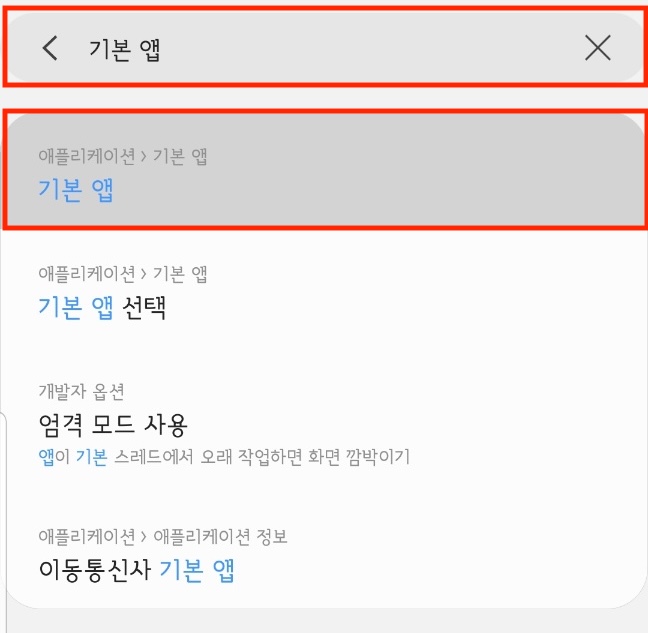
Galaxy Note 8 reference
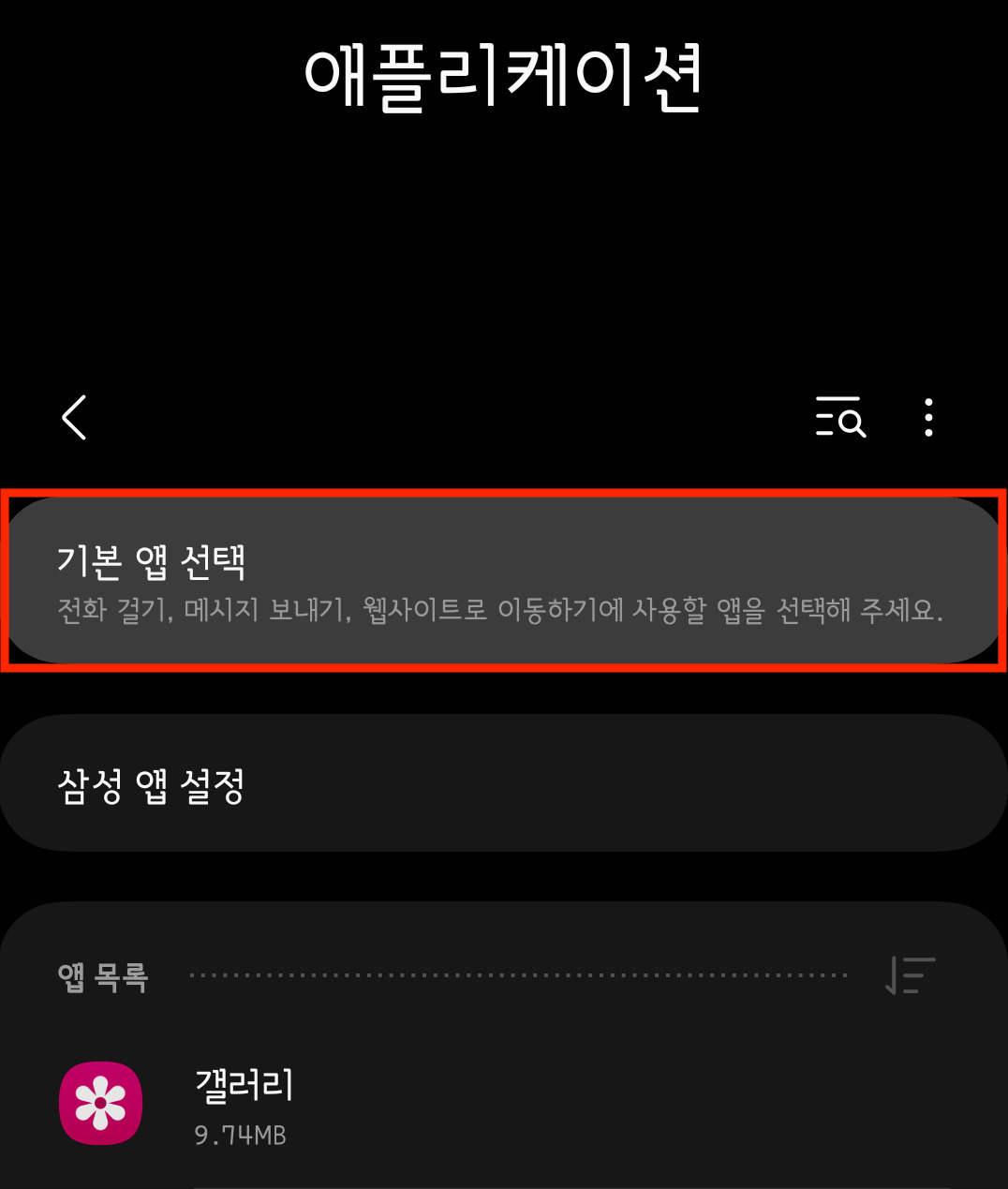
Galaxy S20 reference
Step 2: Tap on the Browser app section and change it from 'NAVER' to Samsung Internet or Chrome
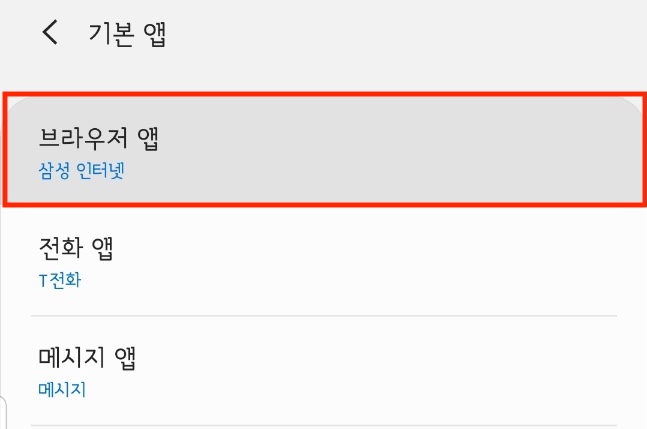
Galaxy Note 8 reference
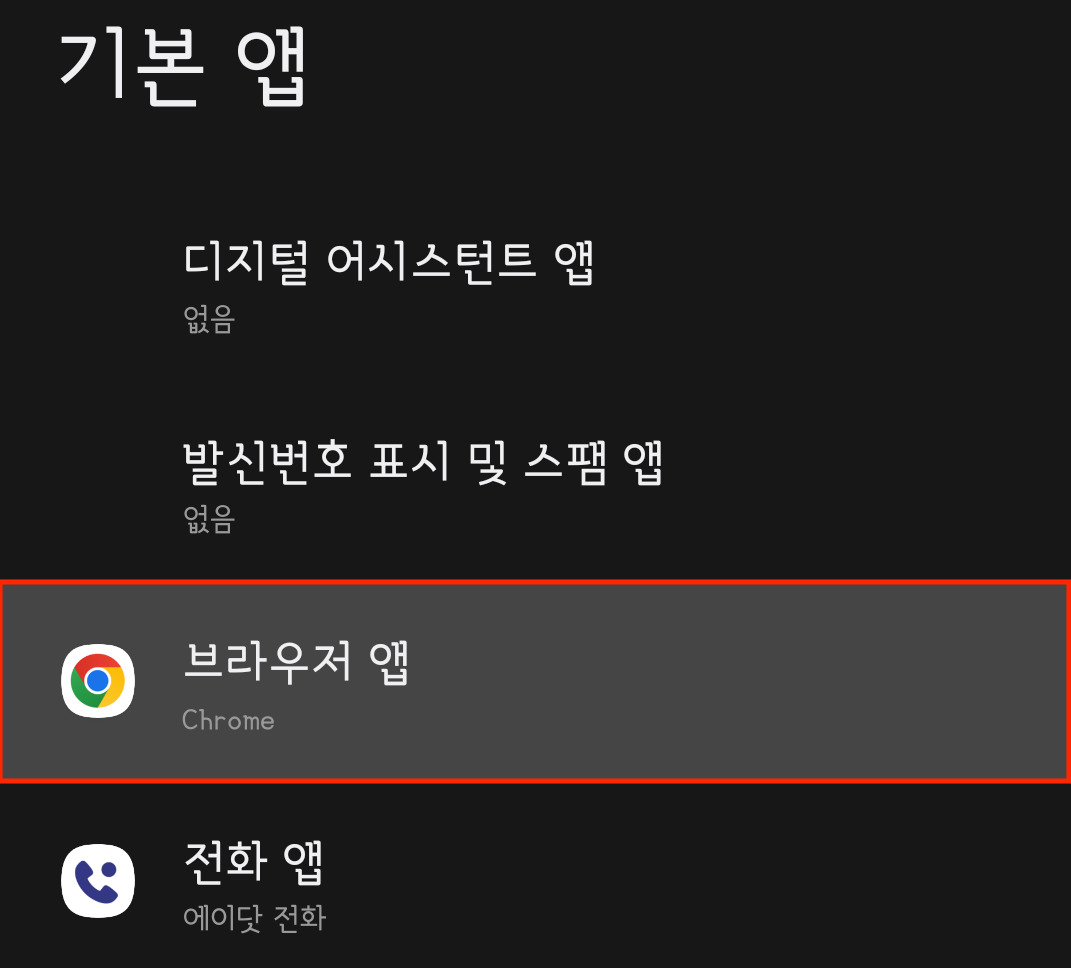
Galaxy S20 reference
After Changing Browser
After changing your default browser app, return to Instagram and download your data again. The ZIP file should download properly now.